Your phone lives on silent. RadAlerts rings anyway: a real alarm that breaks through silent mode, Focus and Do Not Disturb, with a live countdown on every alert. Everything else waits quietly until you're ready.
Free on TestFlight while it's in beta. iPhone, iPhone Duo and iPad.
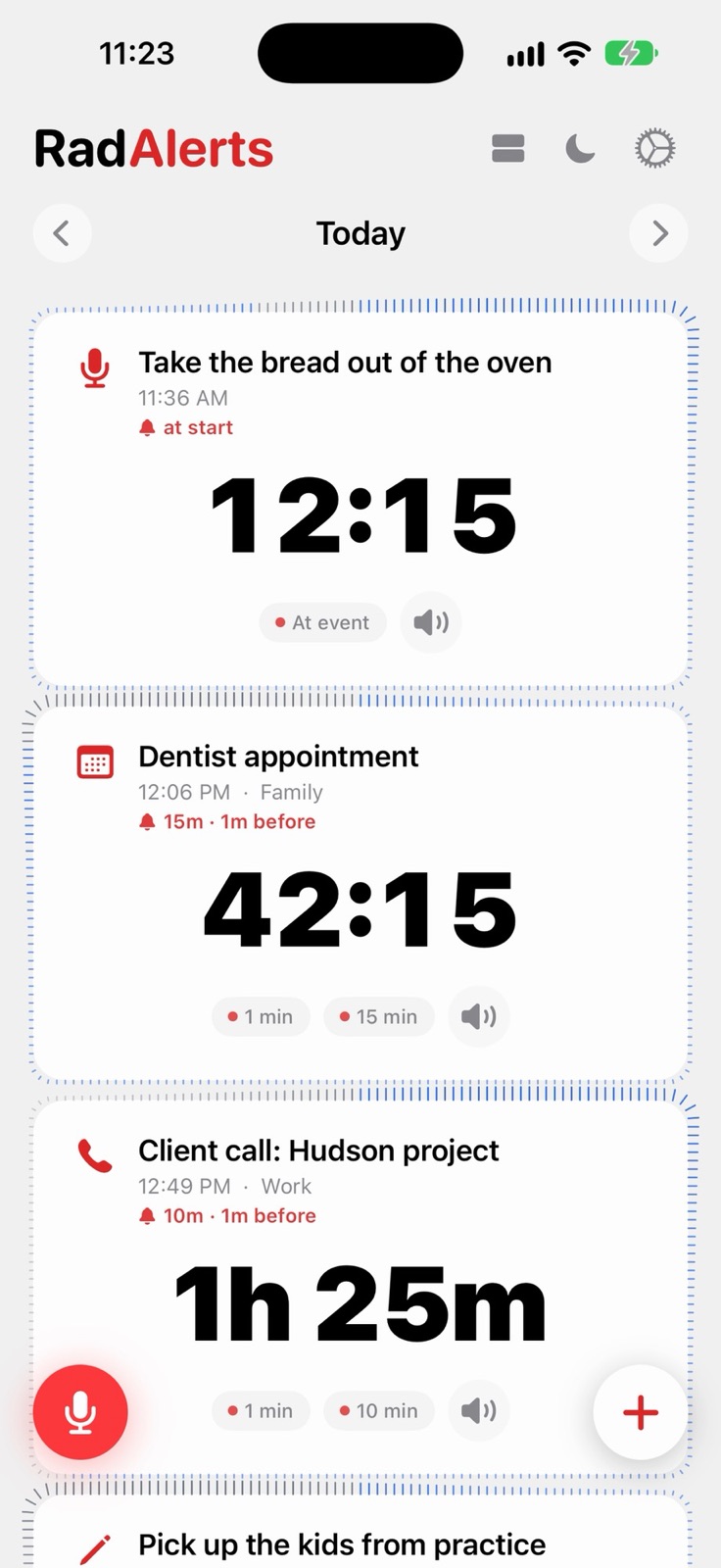
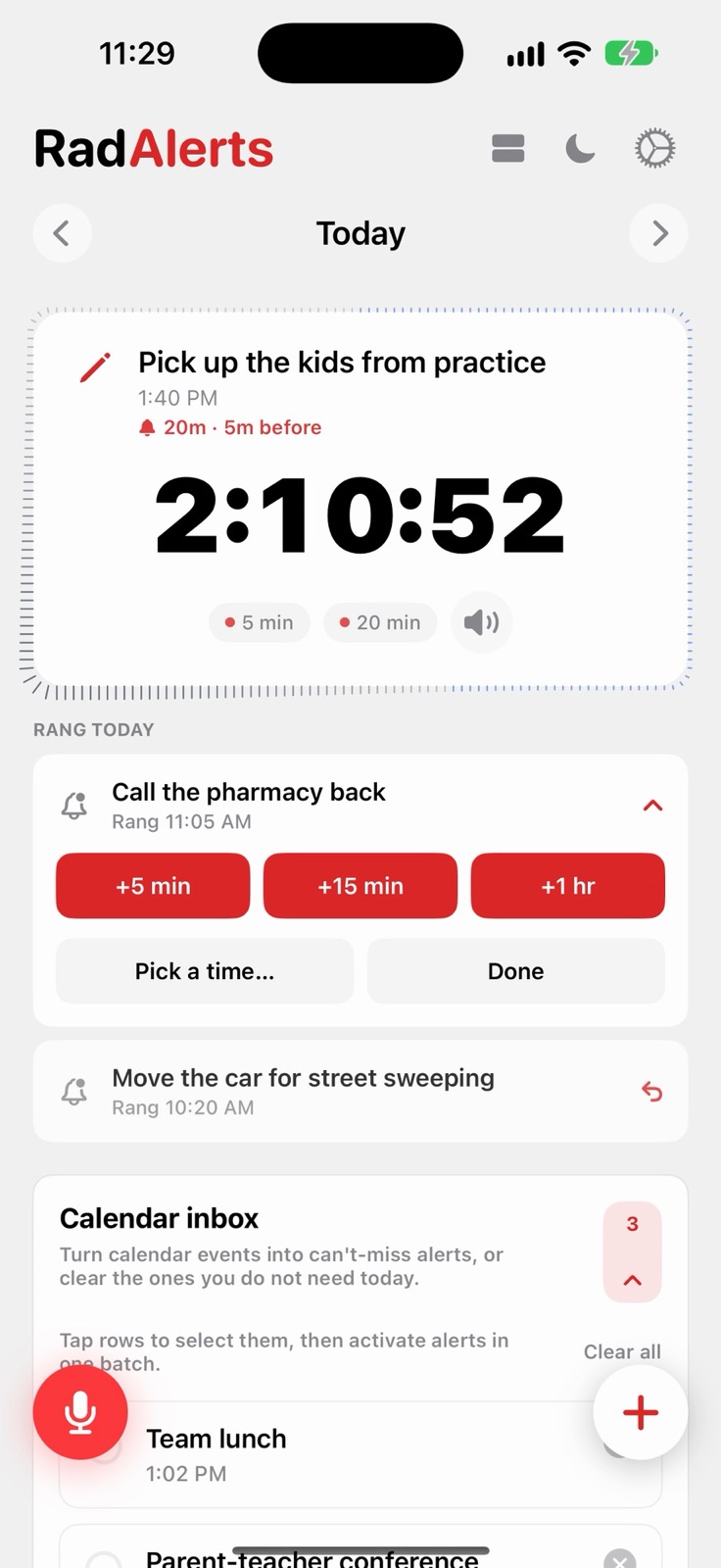
A banner is easy to miss when the phone is face down on silent. RadAlerts sets its alerts as real alarms with Apple's AlarmKit, the same system as your morning alarm: full screen, full volume, Stop or Snooze.
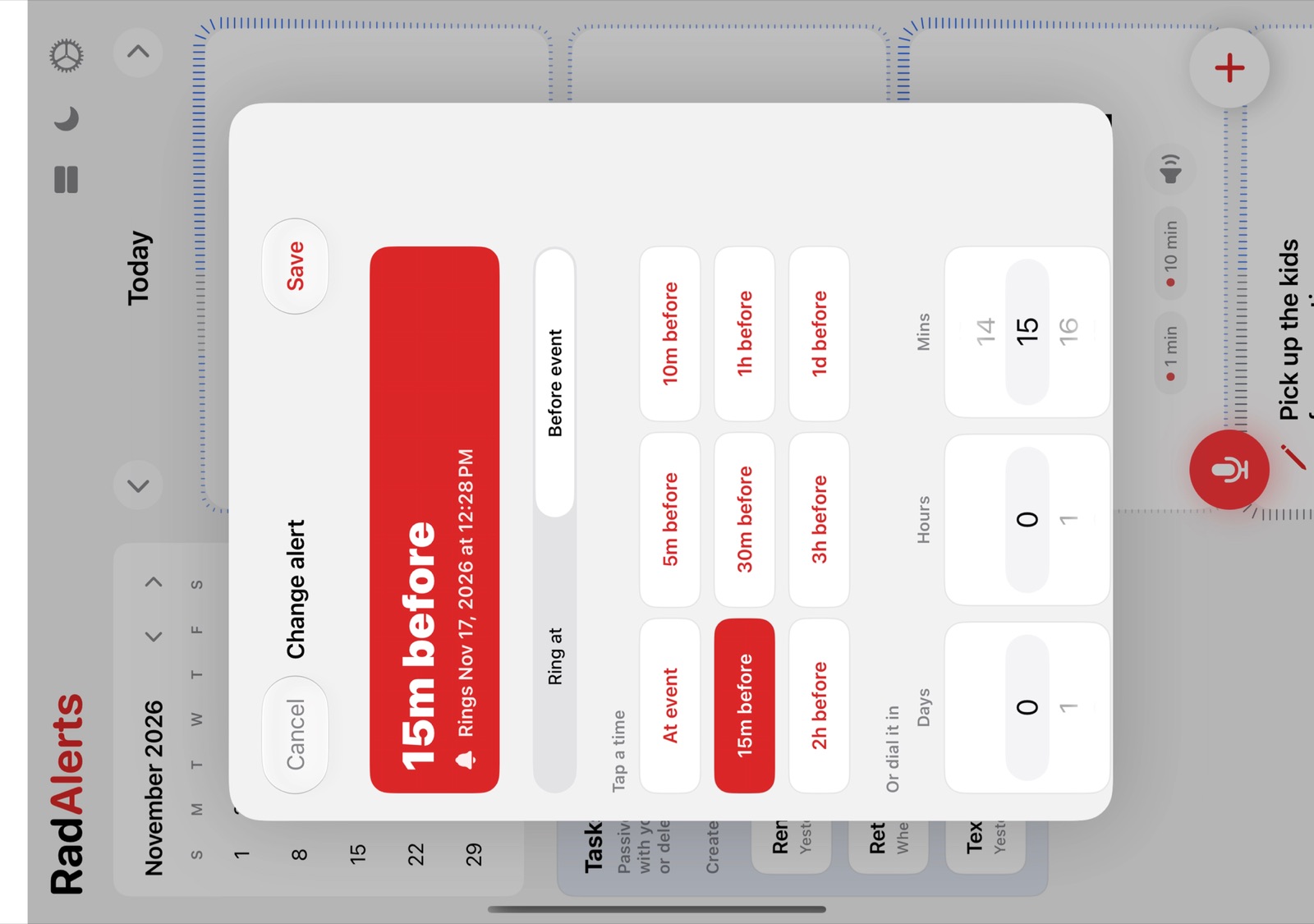
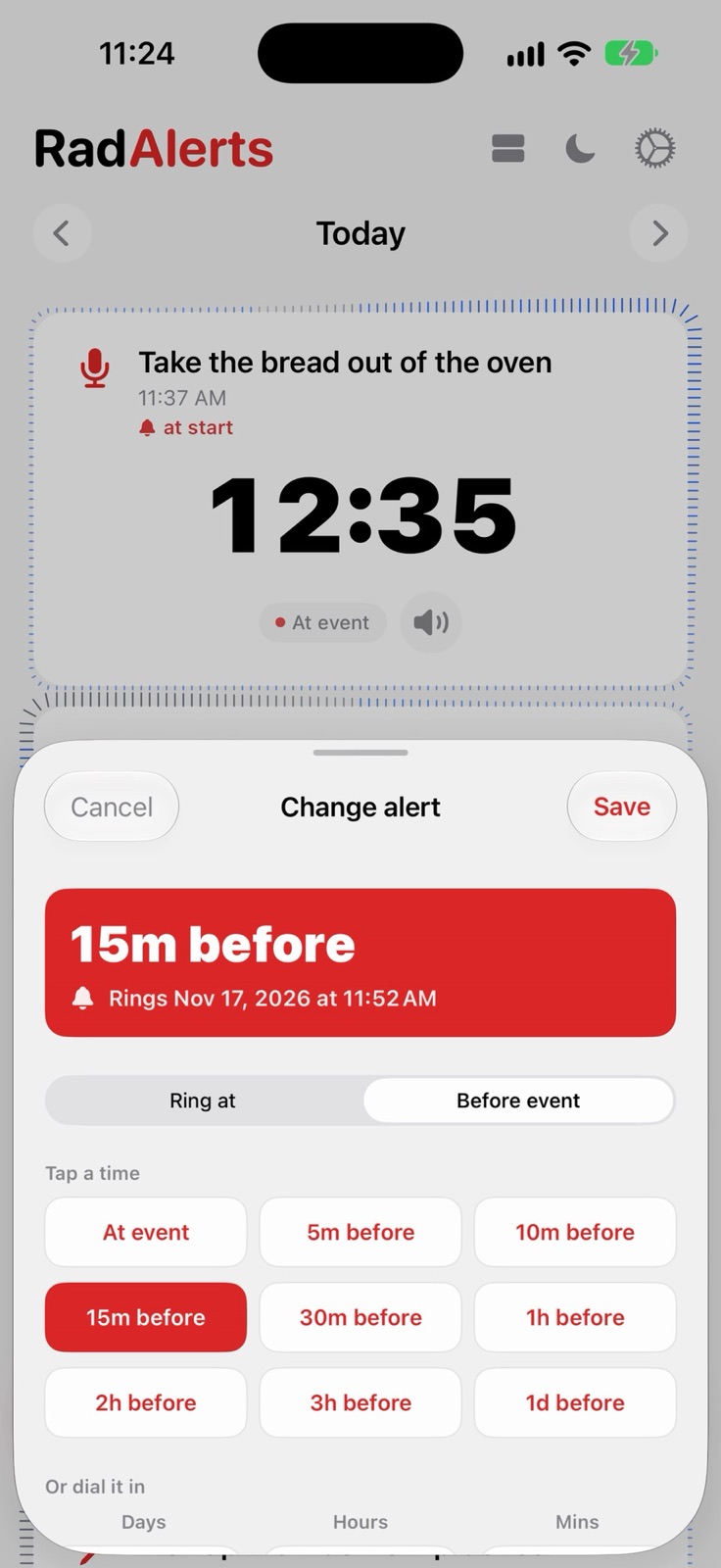
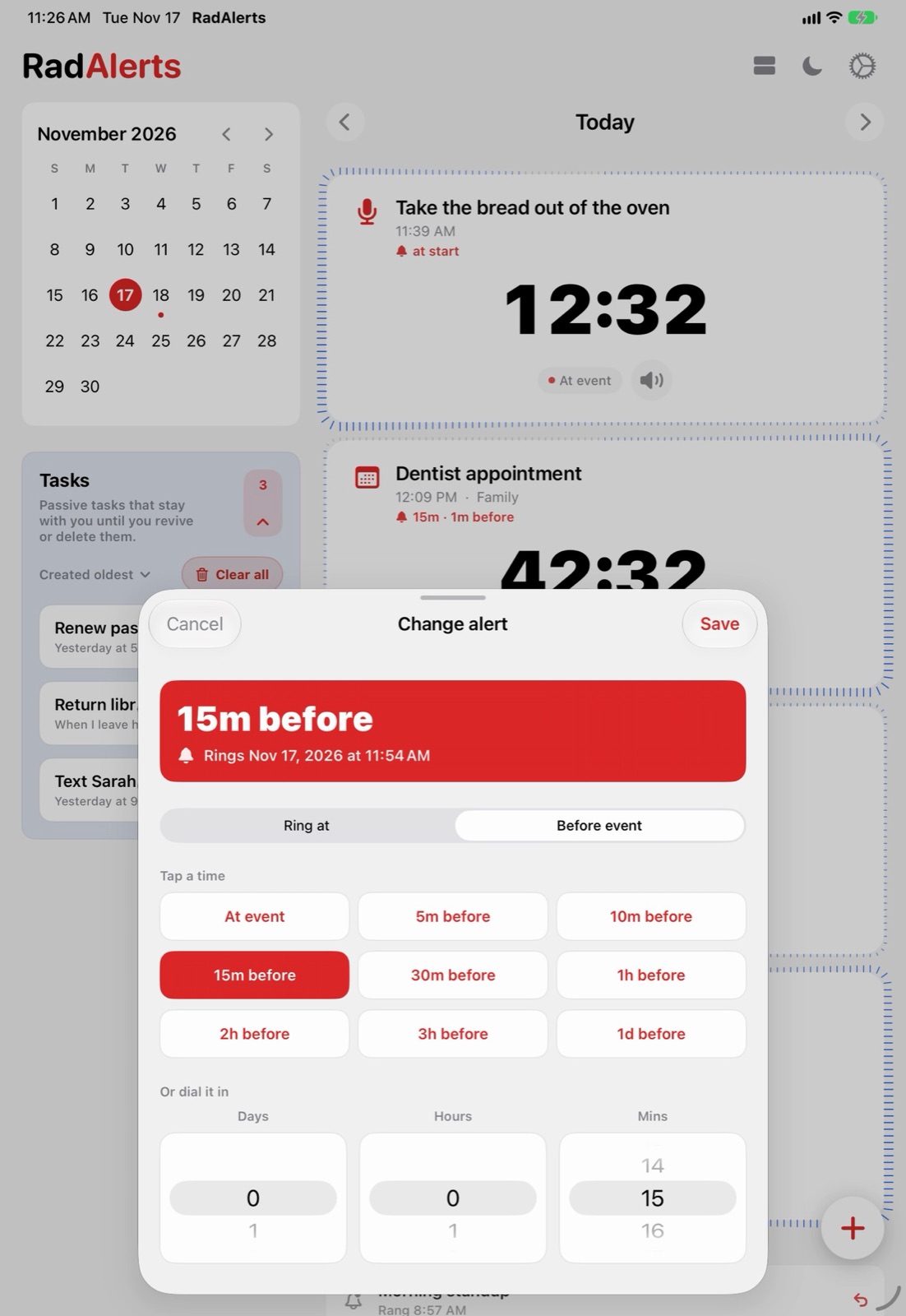
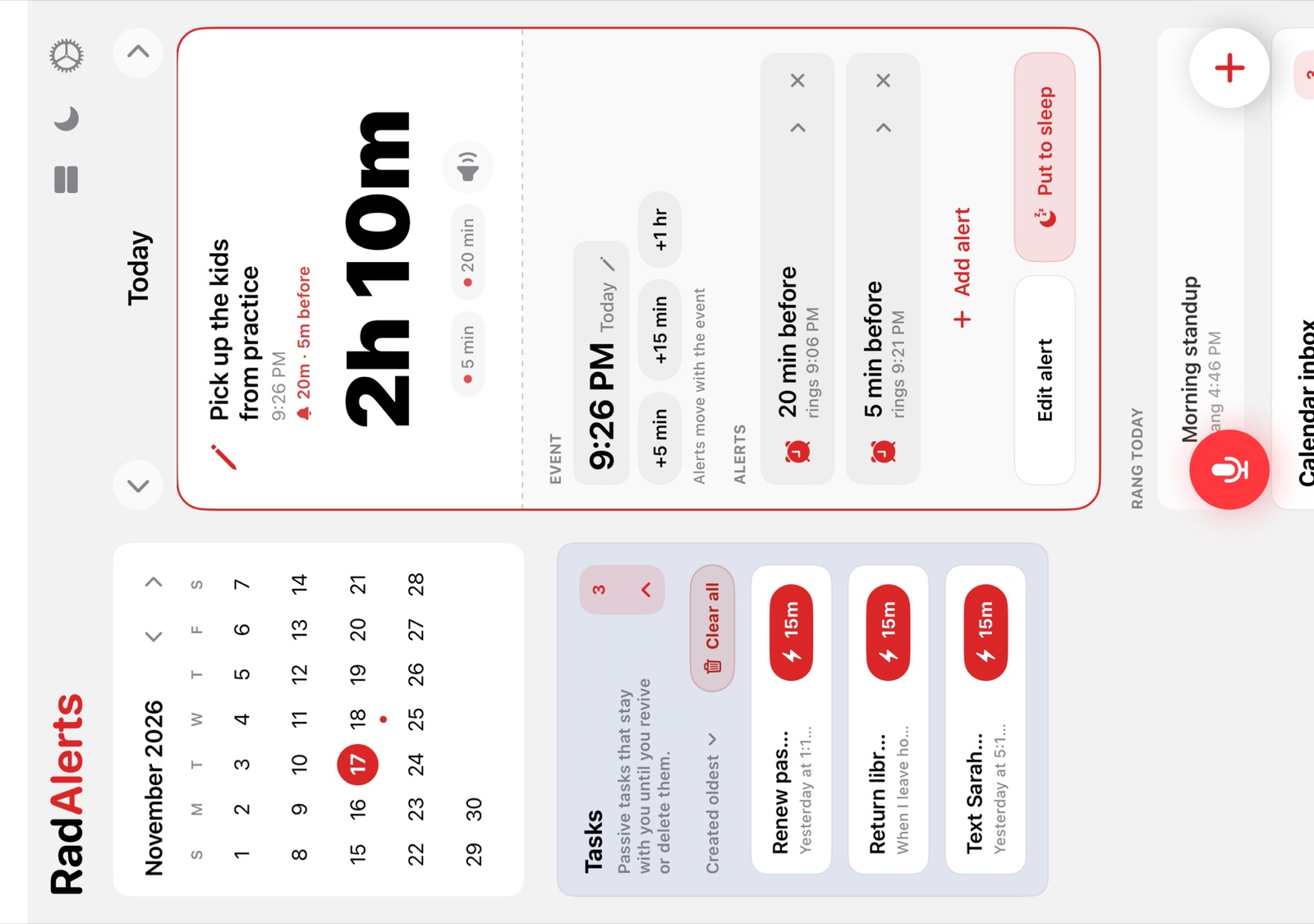
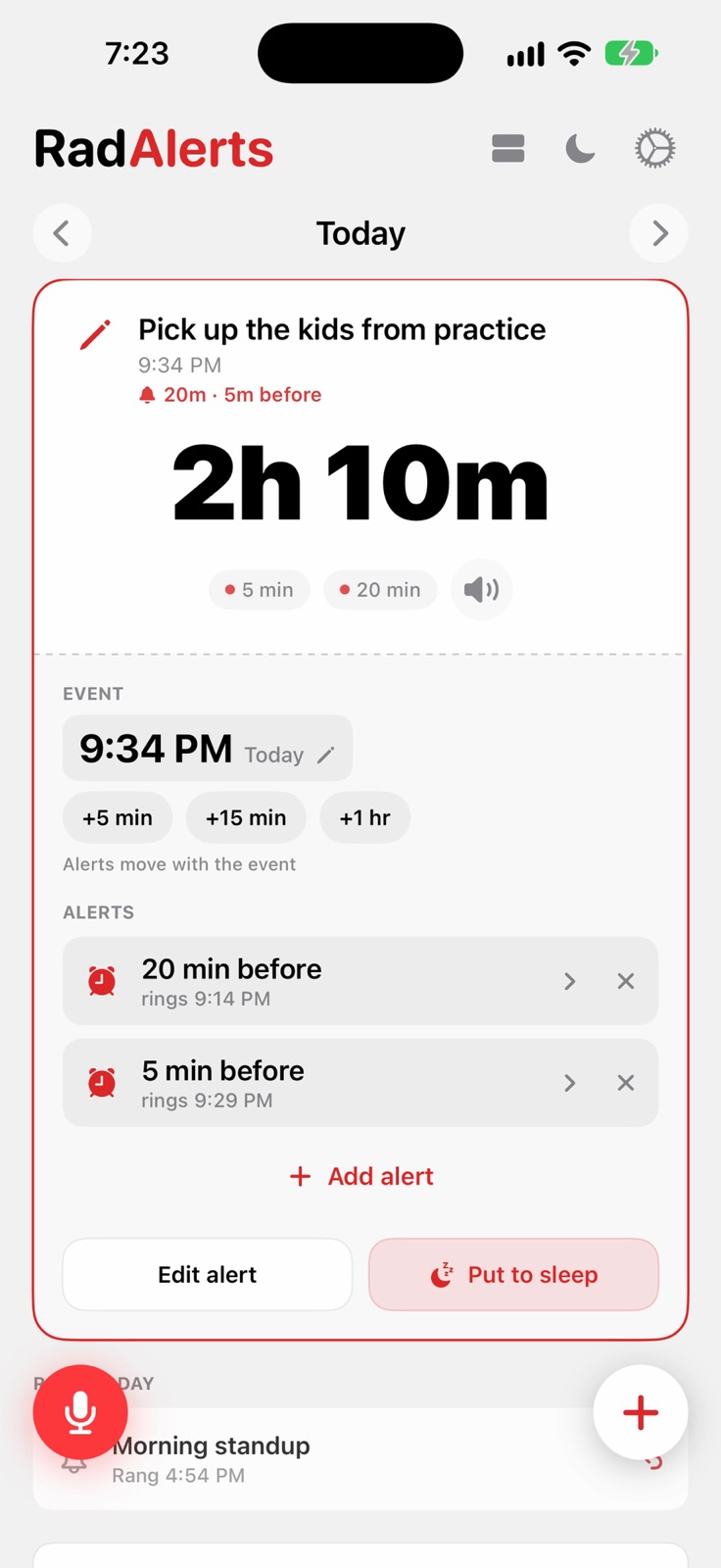
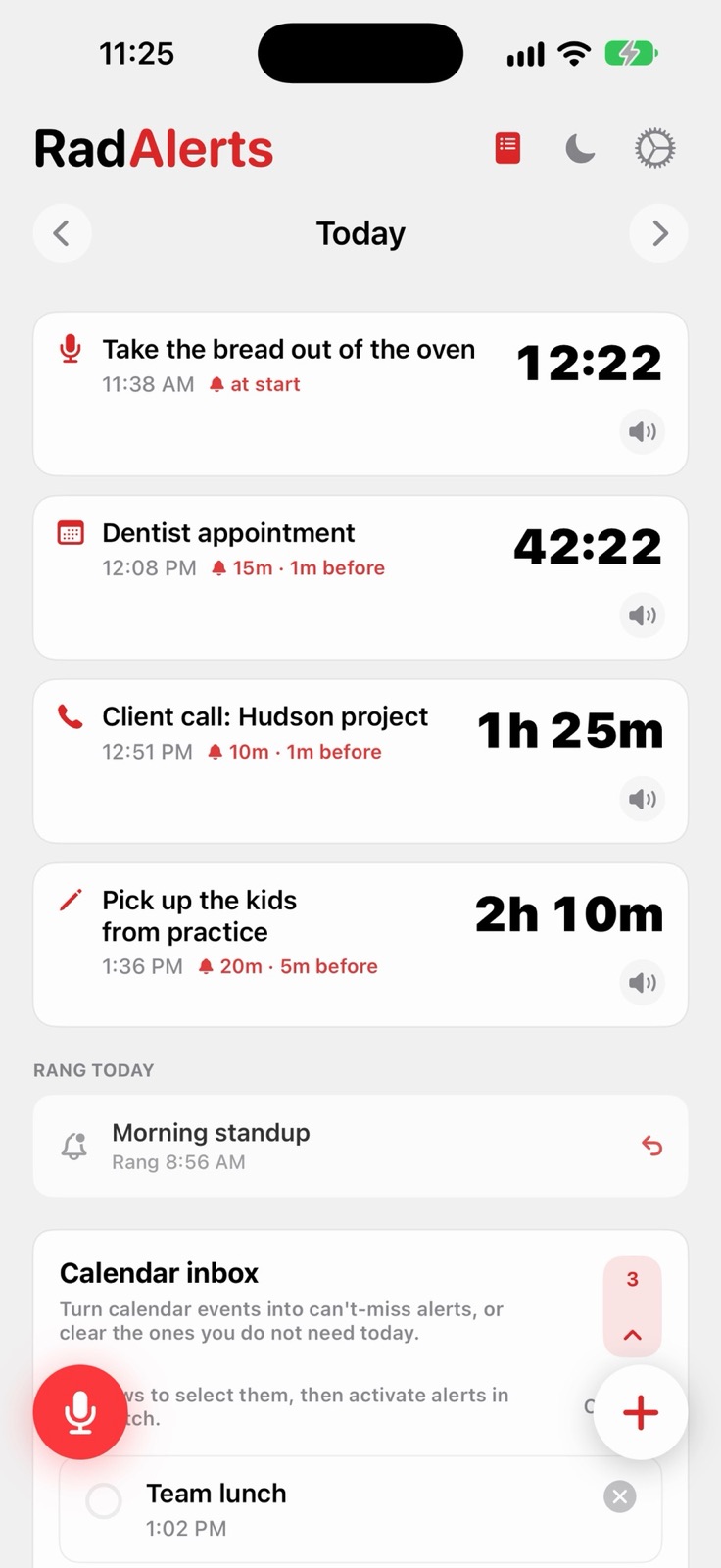
Each alert can warn you twice, 15 minutes out and again a minute before, or whenever you like. Tap a warning to change it.

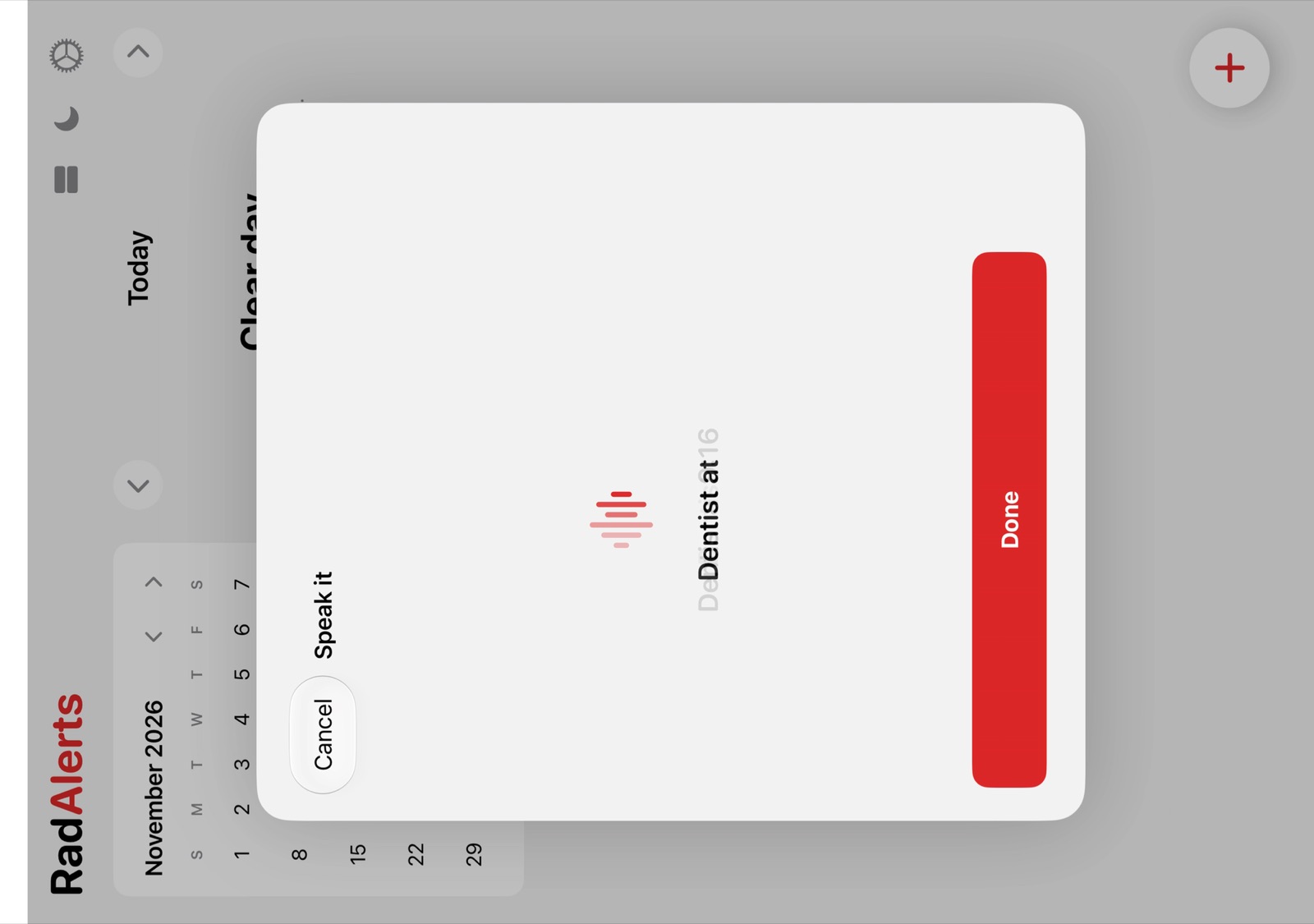
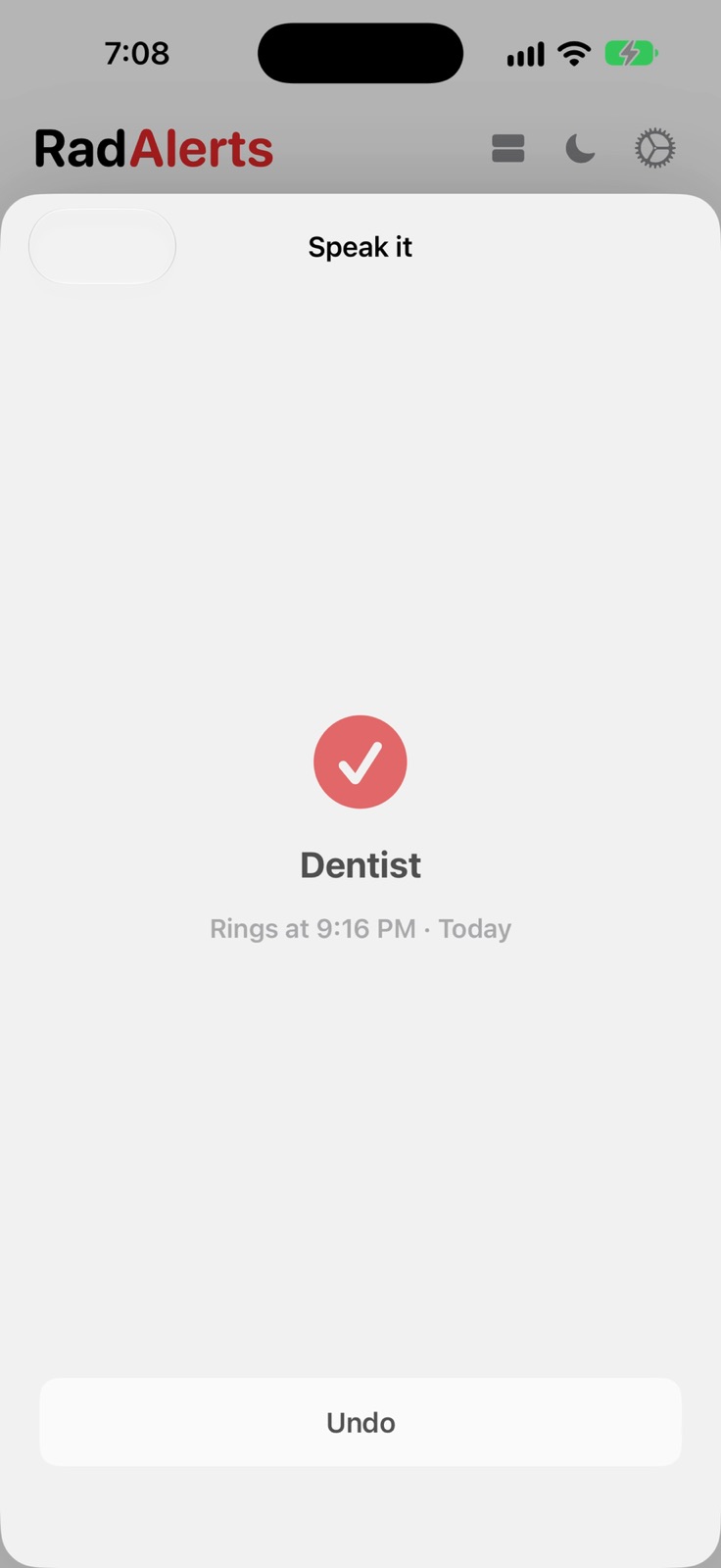
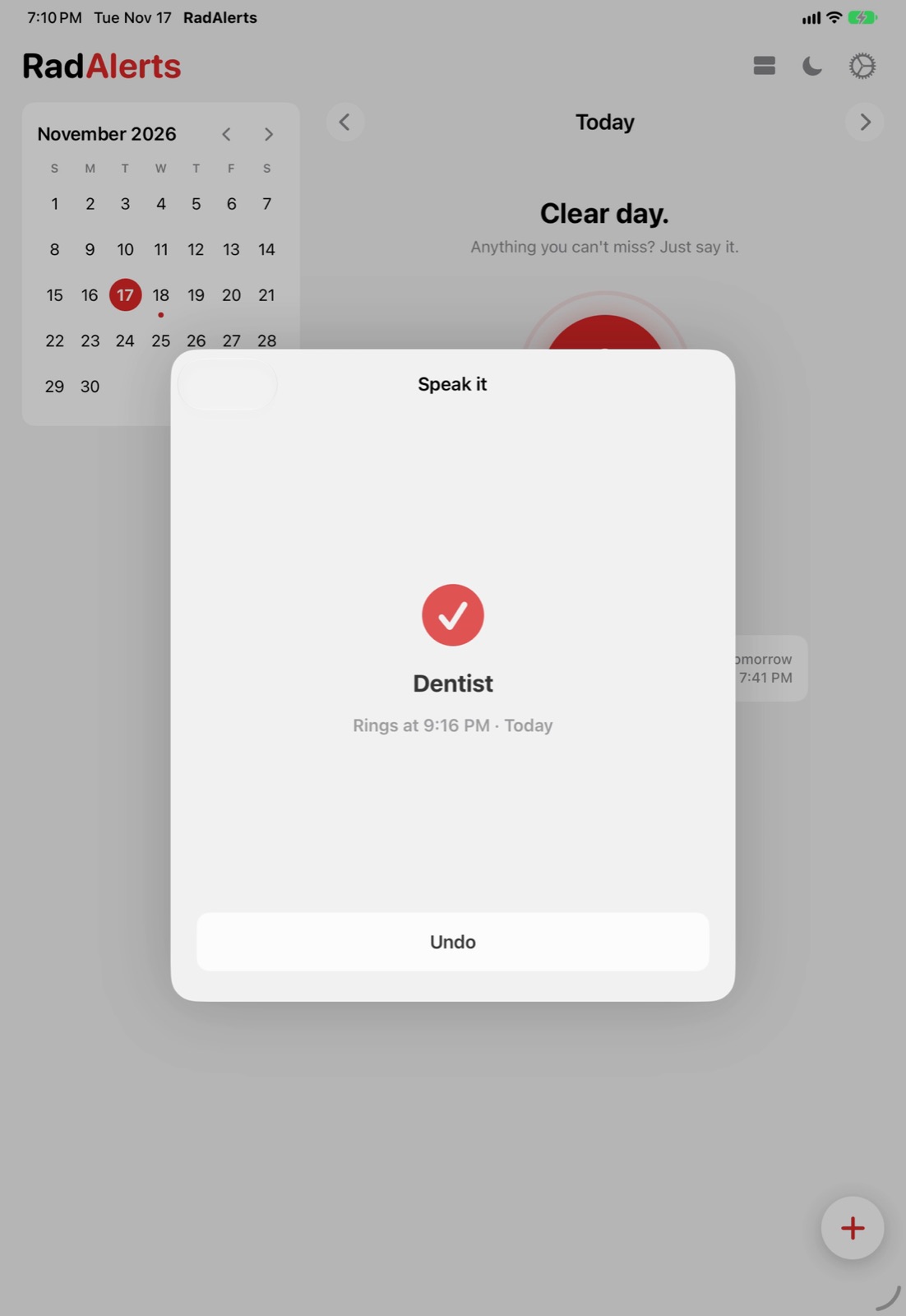
Tap the red mic and say "dentist at 3:45" or "take the bread out in 20 minutes". RadAlerts sets the alarm and shows you when it will ring. Say no time and it waits as a task.
Your voice is turned into text on your iPhone and never leaves it.

Tap an alert to see each warning and when it rings. Push the time back 5, 15 or 60 minutes, turn "15 min before" into "1 hour before", or add another warning, all without leaving the day.

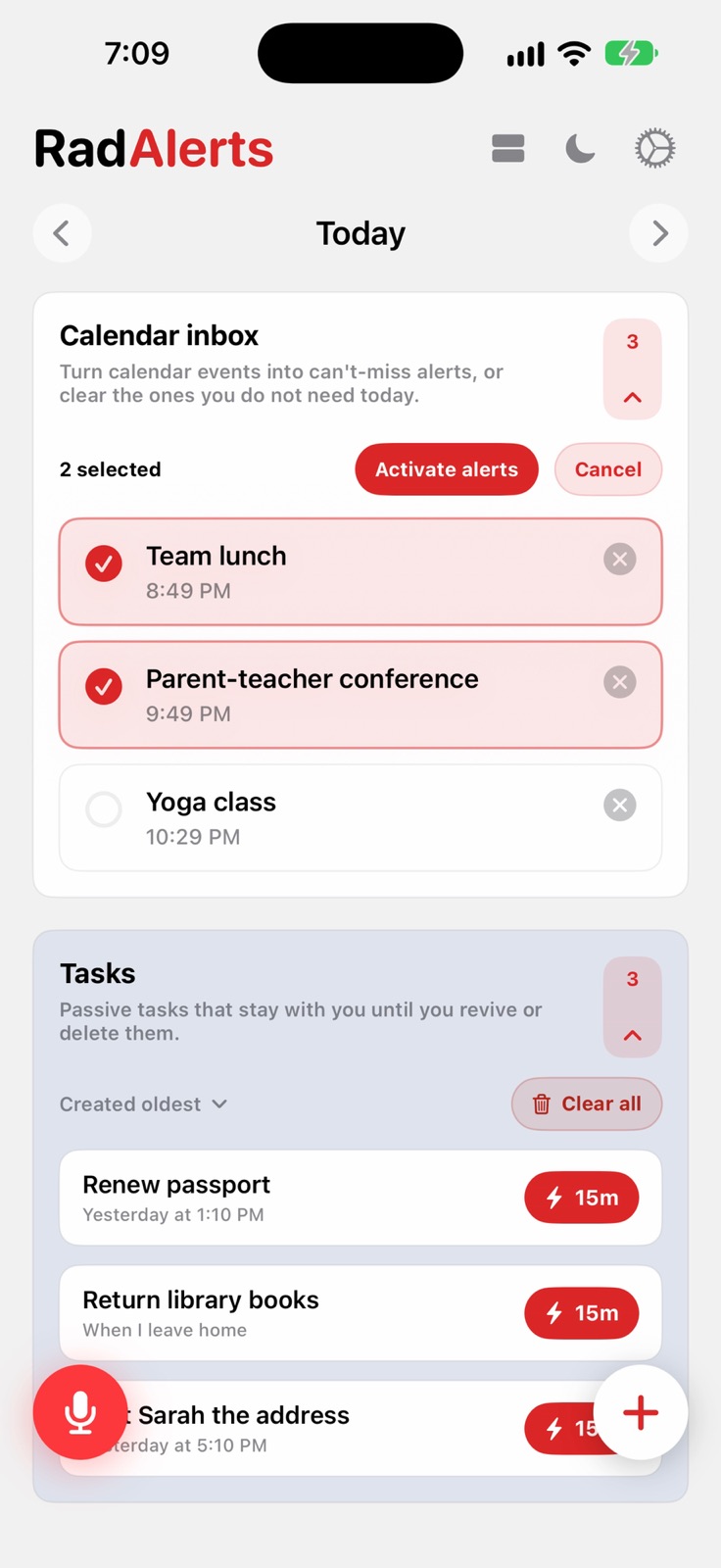
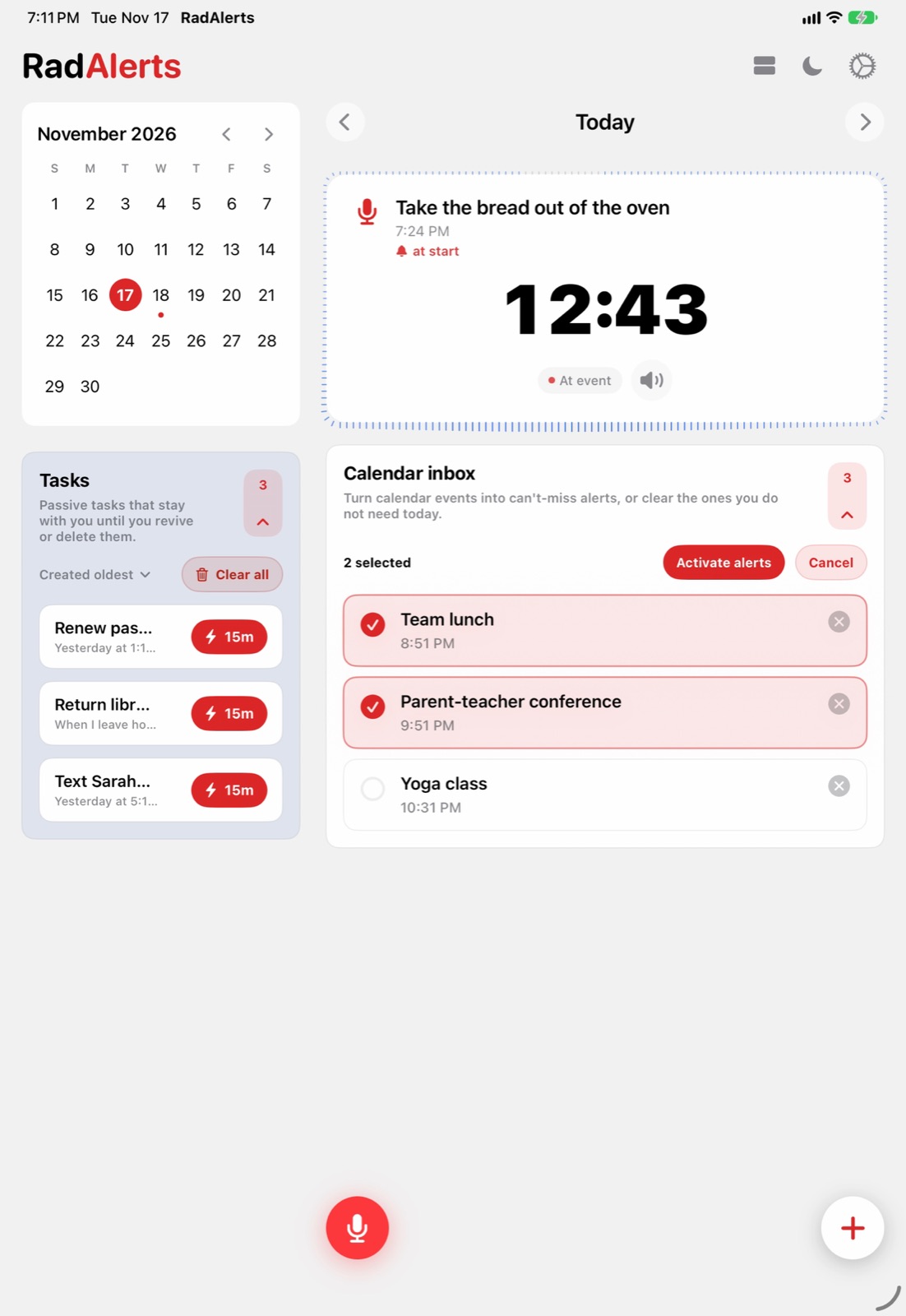
Today's events wait in an inbox. Tap the ones that must not be missed and set them all as alerts at once, or clear the rest.
Your calendar stays where it is. RadAlerts reads it on your iPhone and stands guard.

Switch to the list and every alert fits on one screen, each with its countdown and its warnings.
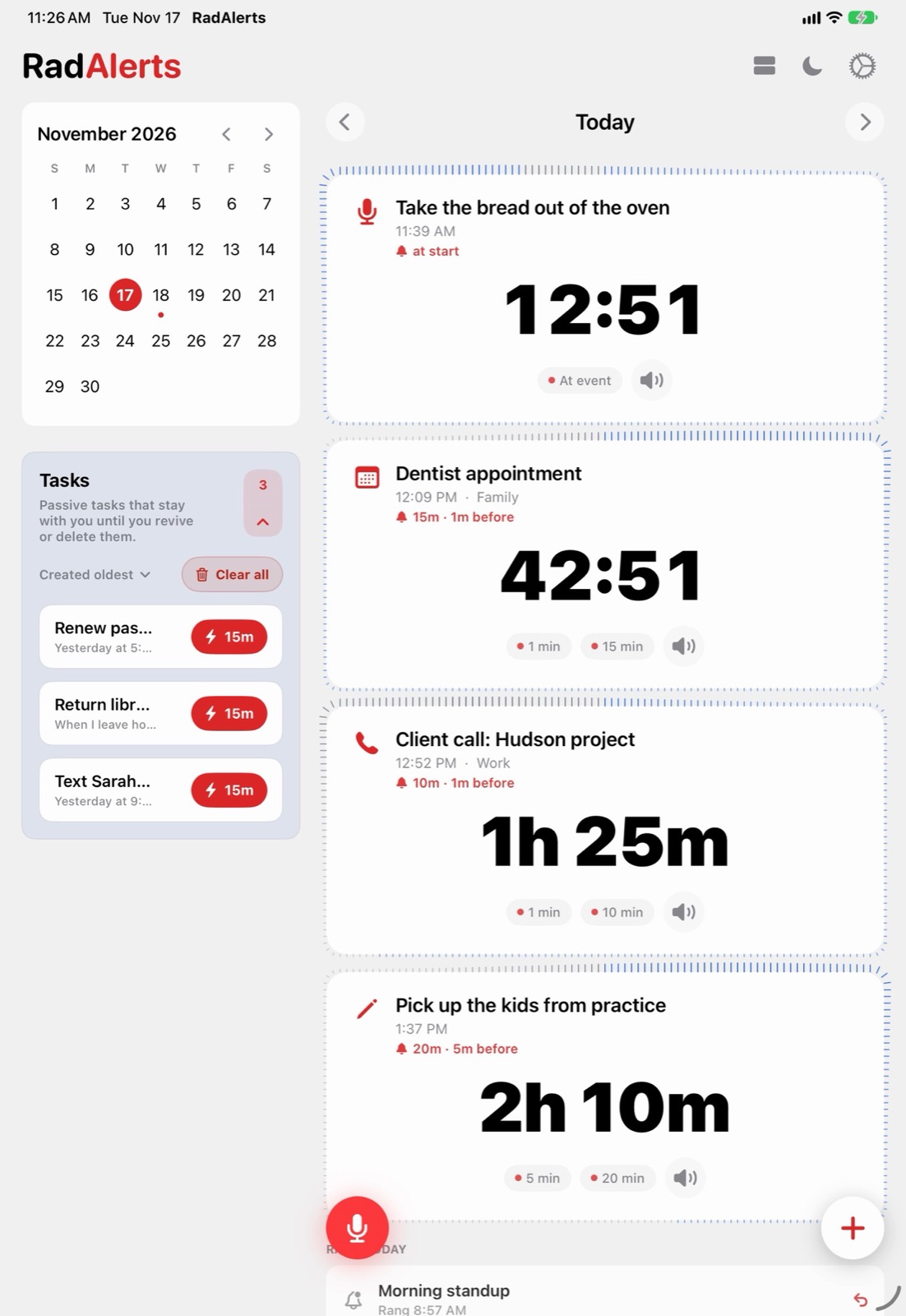
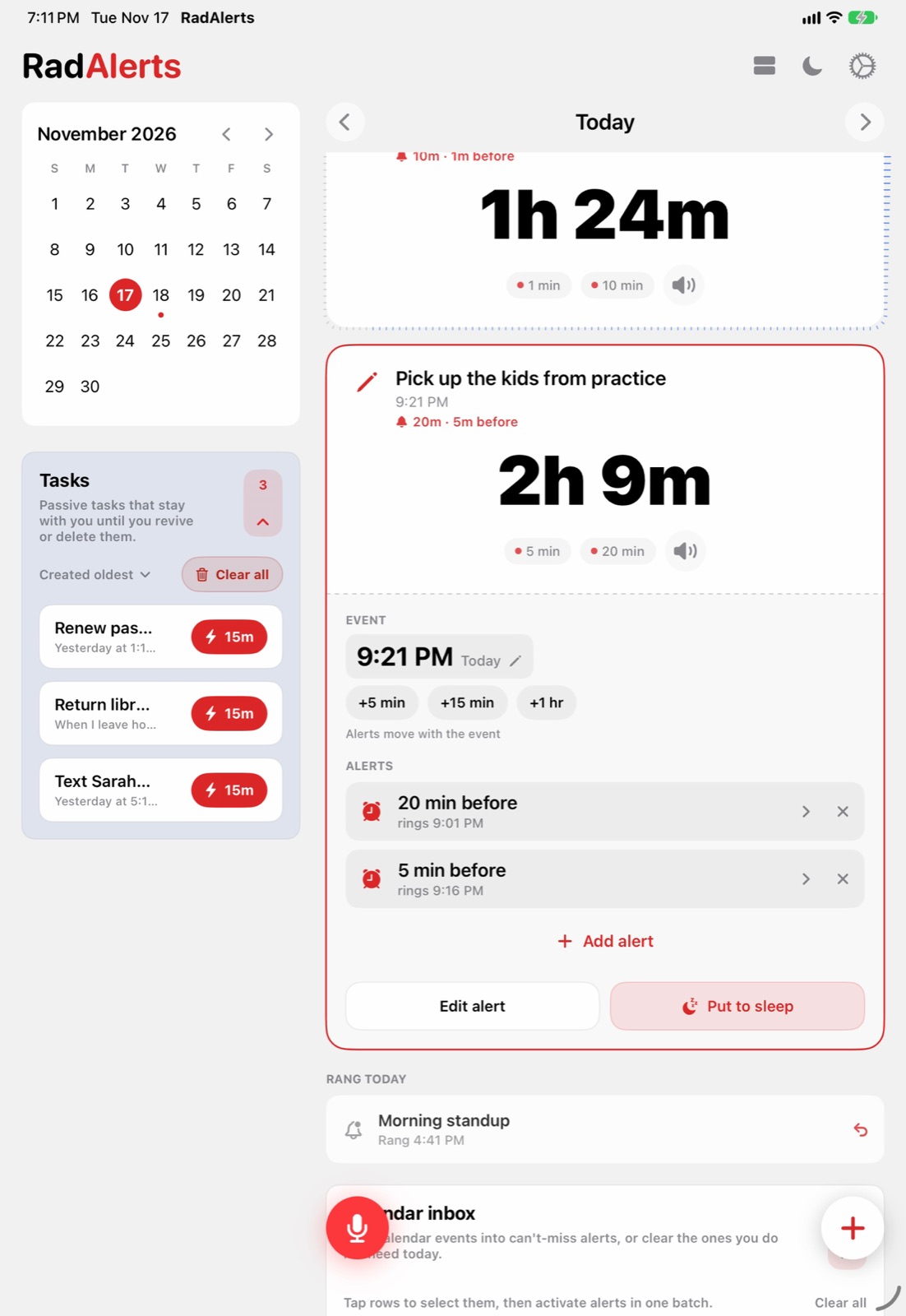
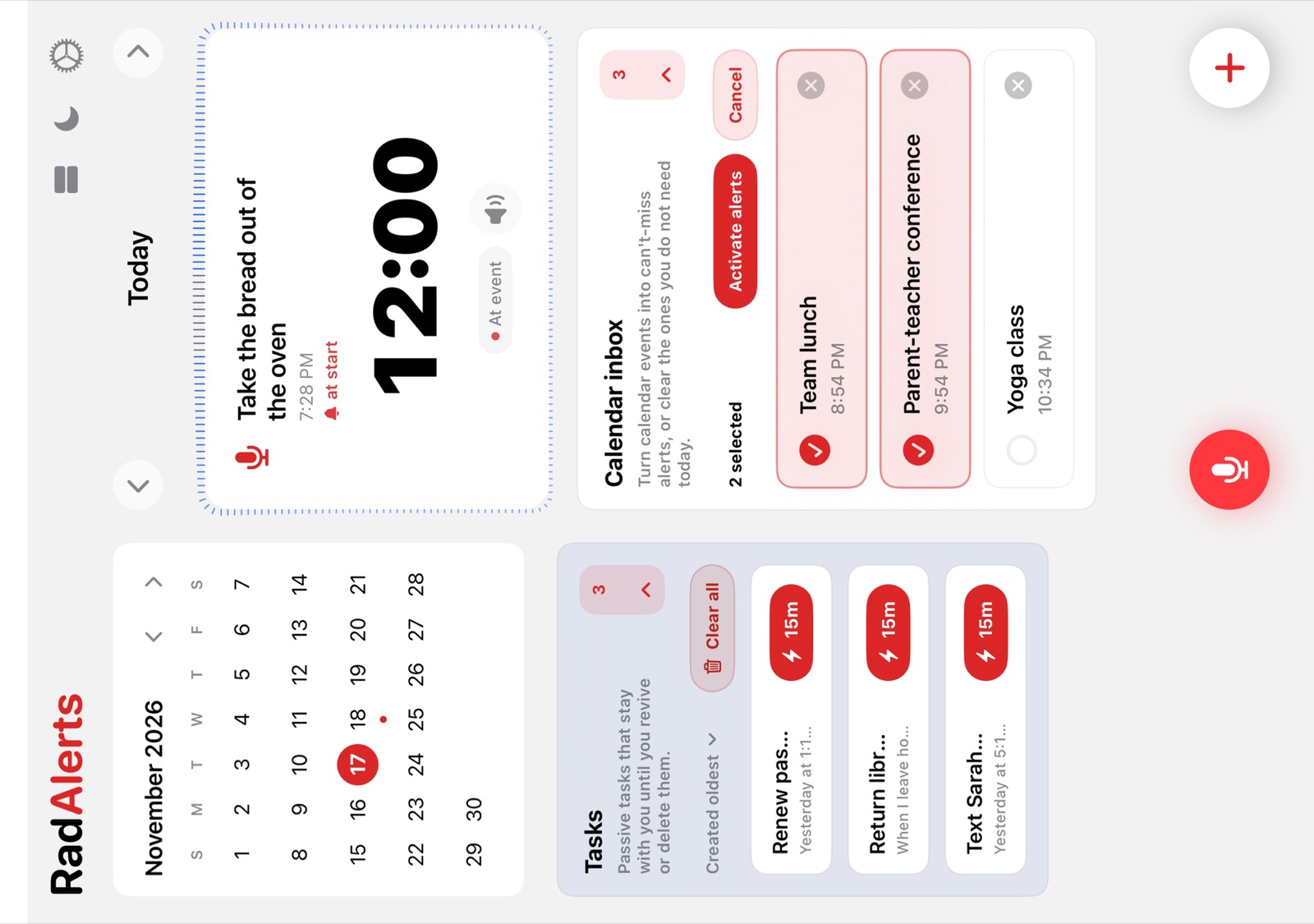
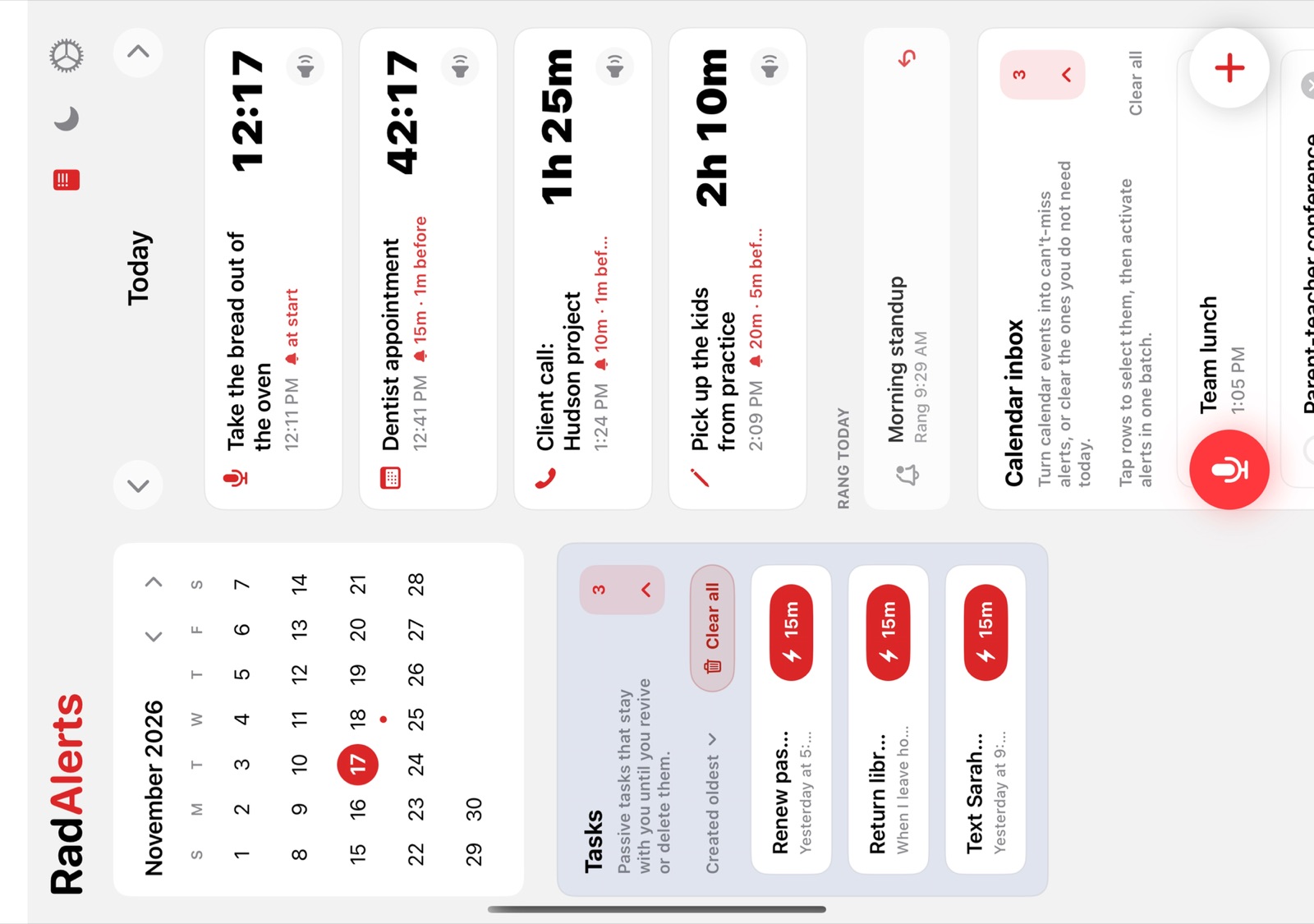
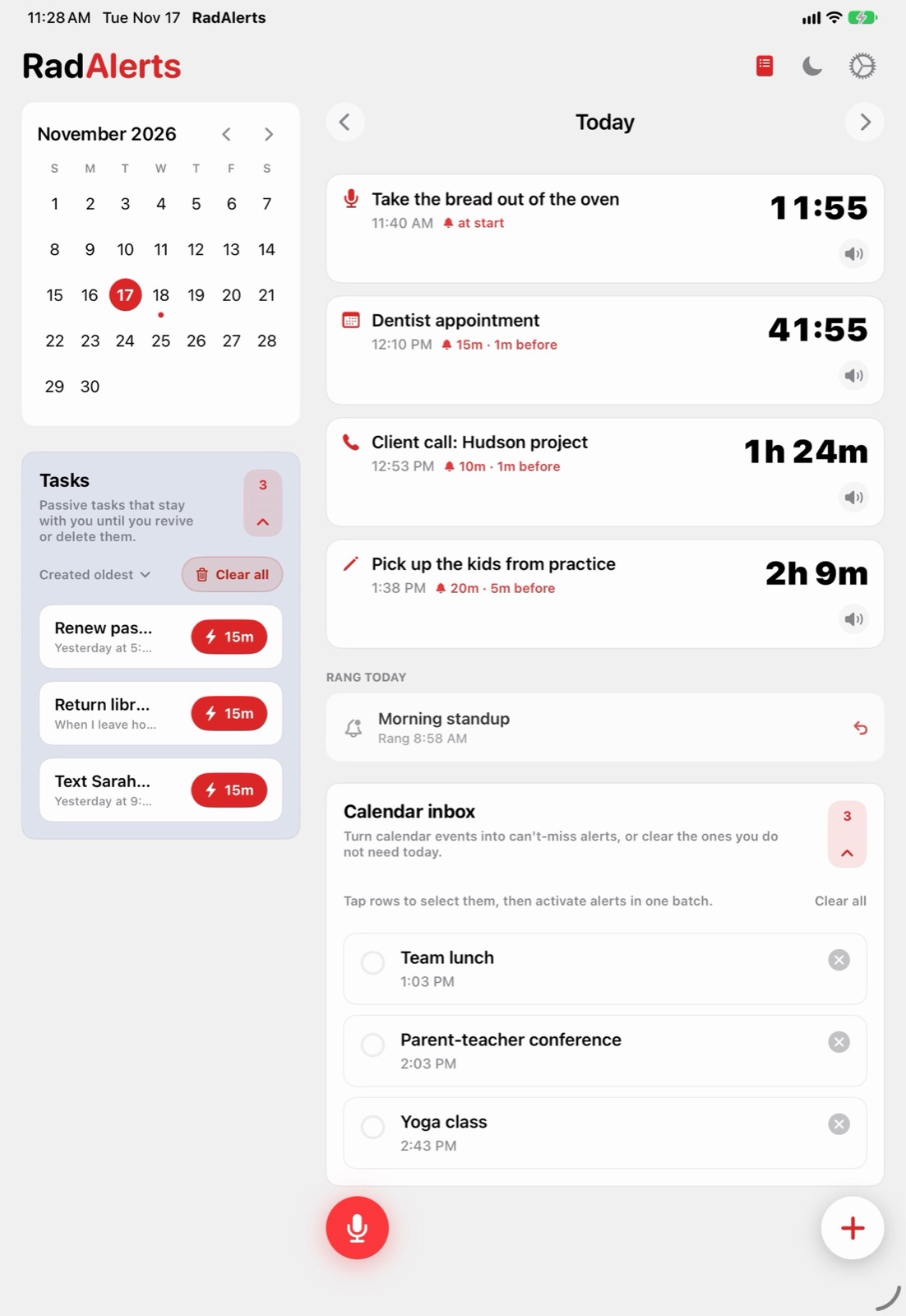
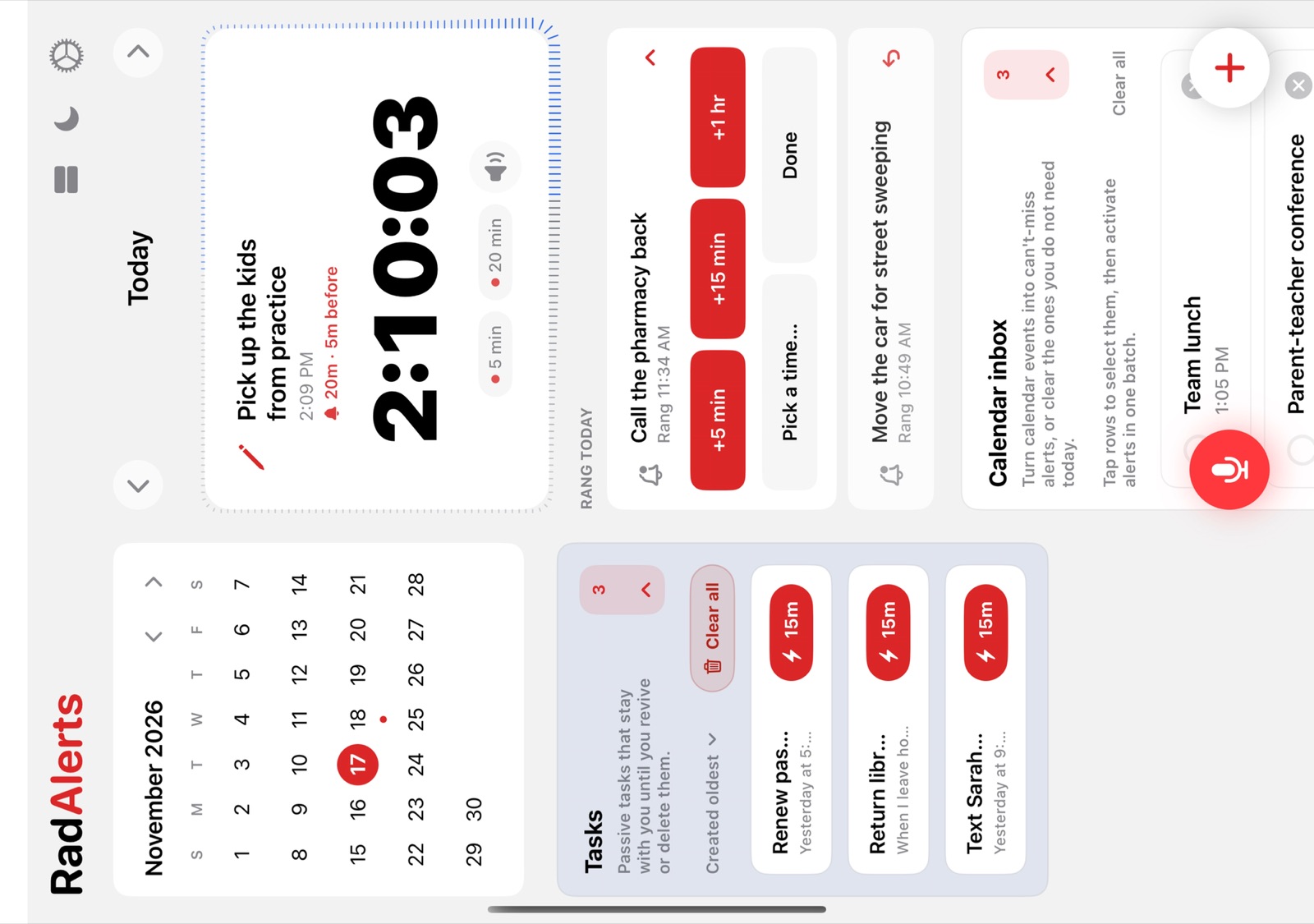
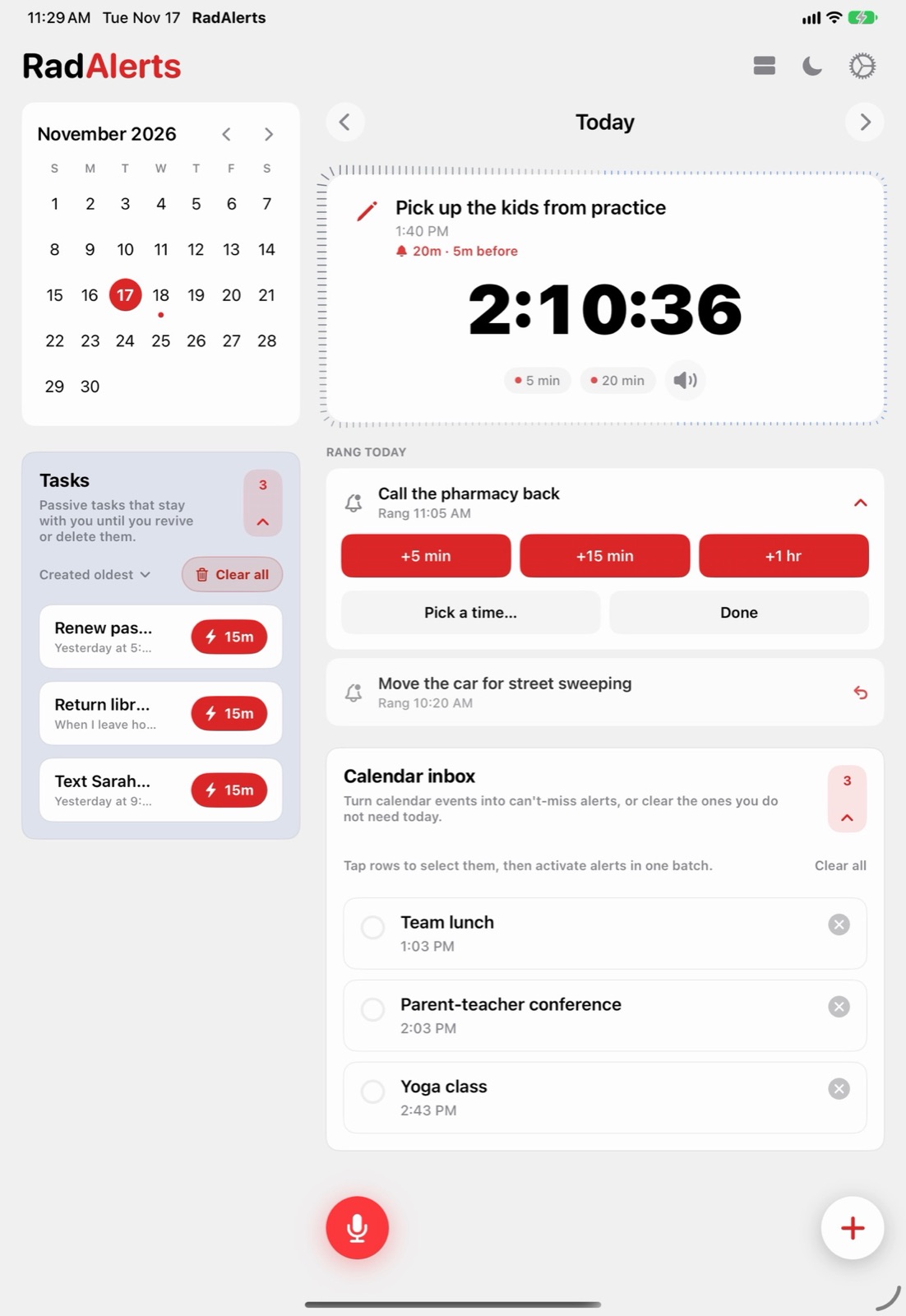
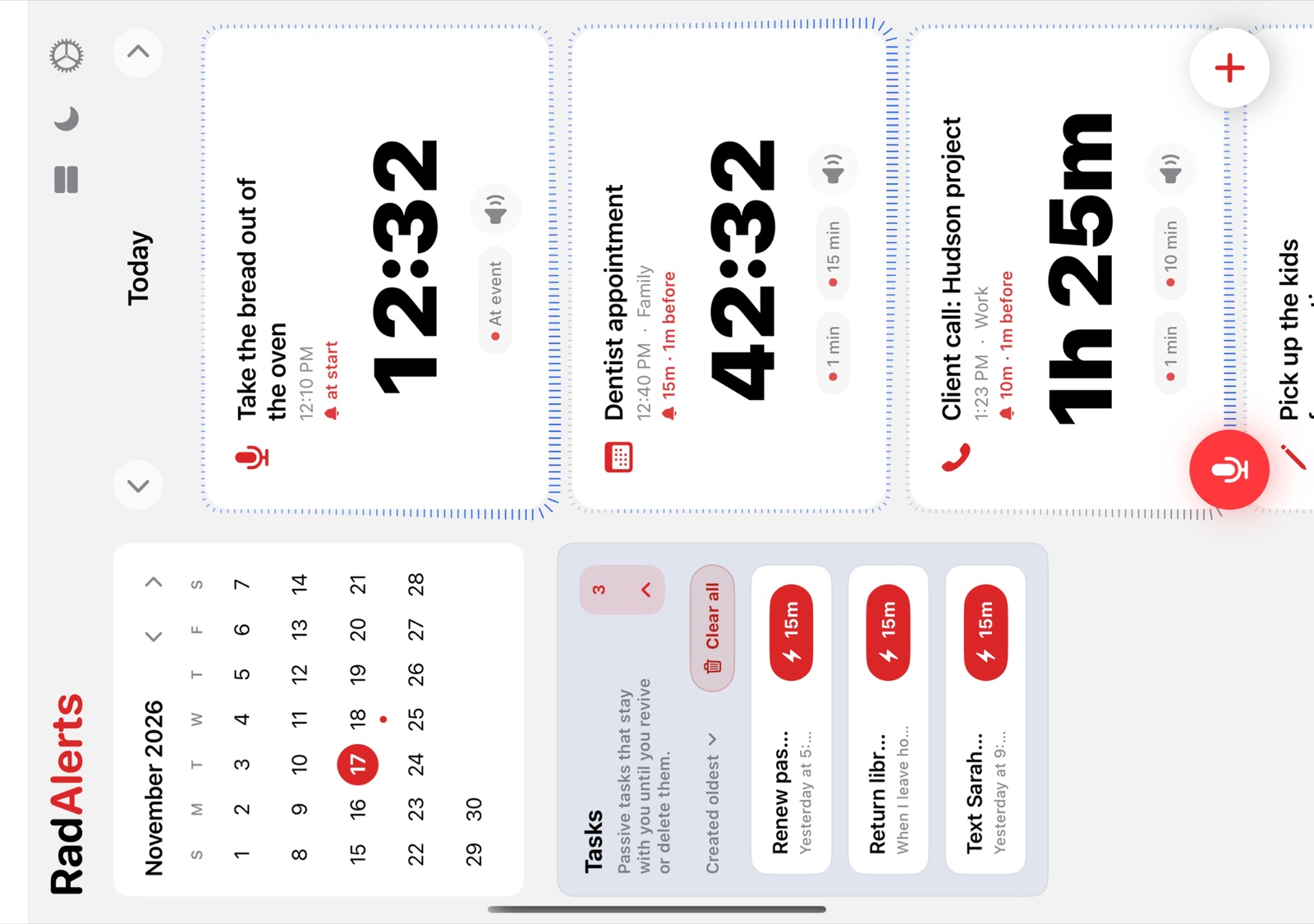
Open the Duo and a month calendar and your tasks sit beside the day.On iPad, a month calendar and your tasks sit beside the day.Tasks with no time wait at the bottom until you need them.

Alerts that rang today stay at the bottom of the day. Tap one to bring it back in 5 minutes, 15, an hour, or at a time you pick.
Snoozing from the alarm itself is one tap too.

Timed and impossible to miss. A countdown you can watch, then an alarm that rings through whatever your phone is doing. Ten minutes out or days ahead.
No clock, no sound. They keep their place until you turn one into an alert, and one can come back when you get home or when you leave.
Say "every day at 8 PM for the next 20 days" and it schedules the run as ordinary notifications you can snooze, not alarms.
Countdowns on your Home Screen and Lock Screen, and, if you turn it on, in the Dynamic Island.
A voice alert from the Action button, Control Center, a widget, Siri, or a long press on the app icon.
Turn any RadCal event into an alert, and see what's set to ring right inside RadCal.
No sign-up, no email, no password. Open it and set an alert.
No ads, no analytics, nothing watching what you do in the app.
Your alerts, calendar, voice and Home location stay on your device. RadAlerts doesn't send them anywhere.
The details are in the privacy policy. It's short.
Yes. Alerts are scheduled through AlarmKit, Apple's alarm system, so they sound like an alarm rather than a notification: through silent mode, Focus and Do Not Disturb. You allow alarms once, the first time you set one.
Only if everything is an alert, which is why there are tasks and daily reminders too. Tasks never make a sound, and daily reminders are ordinary notifications you can snooze. The alarm is for the few things where missing the moment costs you.
No. The calendar inbox reads the events you already have and lets you turn the important ones into alarms. Tasks are for quick capture, not project management.
Yes. On iPad and on an open iPhone Duo, a month calendar and your tasks sit beside the day. Folded, the Duo shows the iPhone layout.
Nothing. It's a free TestFlight beta while RadAlerts heads to the App Store. Feedback goes straight to me.
RadAlerts is on TestFlight now. Put one real deadline in it today and see what it's like when the reminder is louder than the excuse.
Not a beta person? One email when RadAlerts reaches the App Store.